How to Grant Users Access to the Website Edition
To grant a user permission to edit a specific website, you must first provide access from Settings → Users by adding them to the group Website / Editor and Designer.
Then navigate to Website → Site → Websites
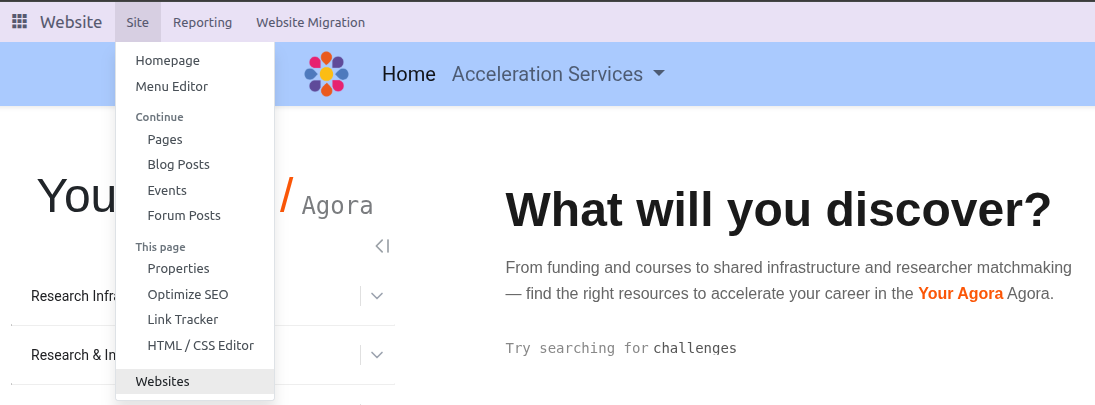
Open the specific website for which you want to grant access, and add the user as either a Website Editor or a Website Publisher.
- The Website Editor role allows the user to edit content on any page of the website.
- The Website Publisher role makes the publication toggle visible, allowing the user to control which content goes live.